

To keep spider webs off a security camera, remove existing webs gently, clean the lens cover as the manufacturer directs, and reduce nearby insect activity. Keep oils, grease and household sprays off the lens, infrared window, seals and electrical openings. Check the night picture after cleaning or changing lighting.

At a Glance: Keeping Spider Webs Off Your Security Cameras
- Camera lights can draw insects, while nearby sheltered corners and mounting points can support webs. Do not assume heat is the only cause.
- Gently remove webs around the mount and clean the lens cover using the camera’s approved method.
- Avoid spraying the camera. If pest treatment is needed, follow the product label and keep it away from the equipment unless explicitly approved.
- Use only compatible physical accessories. Keep the view, infrared emitters, microphone, ventilation and drainage clear.
- Check for new strands during routine maintenance, especially after false night alerts.
- Changes to camera placement and cable routing or nearby lighting may help. Recheck coverage and night detail after any move.
The Problem: Why Spiders Love Your Security Cameras
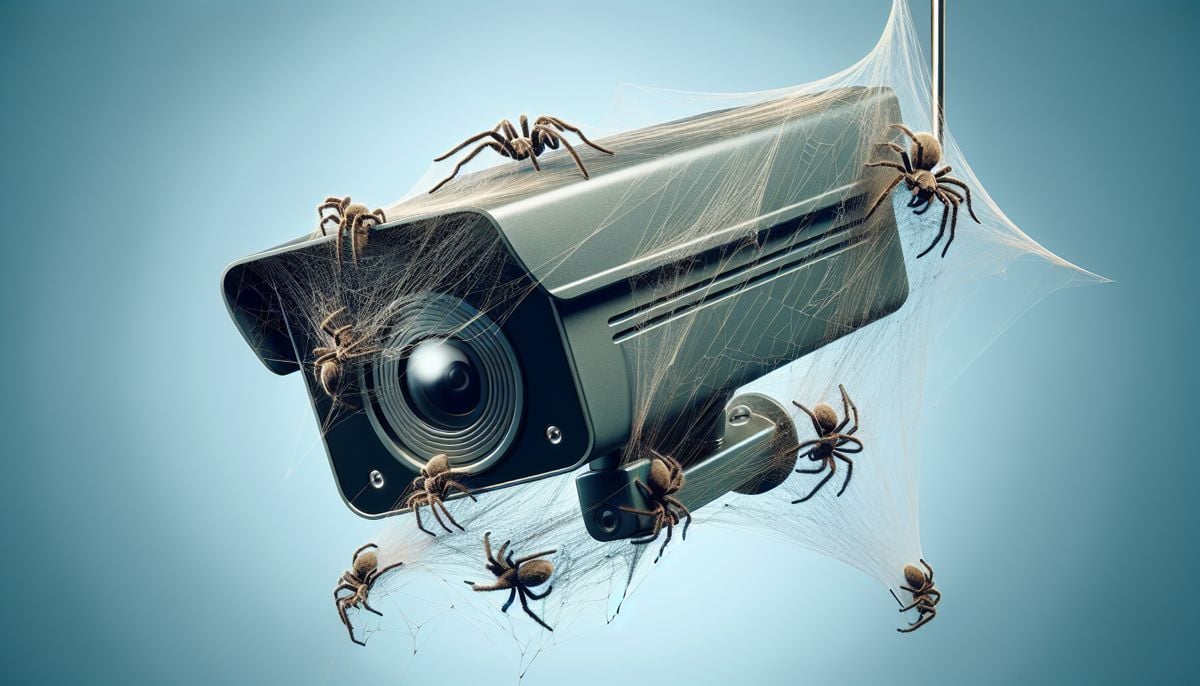
Cameras provide sheltered fixing points for webs, and insects around camera lighting can provide food for spiders. A nearby strand may reflect the camera’s infrared illumination, creating bright streaks or a washed-out night image even when the lens is not completely blocked.
- Sheltered areas around an eave or mounting bracket provide places to anchor a web. Clear nearby strands rather than opening a sealed camera.
- Insects around visible or infrared camera lighting can attract spiders looking for food. Moving a separate light away from the camera may reduce activity close to its lens.
- A web close to the lens can appear as a bright blur in infrared mode. Moving strands or insects can trigger motion alerts and also hide activity farther away.
- Keep nearby vegetation trimmed and remove loose strands or debris around the mount. Preserve weatherproof cable seals when tidying the installation.
Preventive Measures: Cleaning and Camera-Safe Pest Control

Start with cleaning and placement. Essential oils, vinegar, insect sprays and lubricants are not universal camera-safe treatments. A product that is safe on a wall may affect a coated lens cover, plastic housing or rubber seal. Follow the camera maker’s cleaning instructions before applying anything to the equipment.
- Natural does not mean safe for a camera coating. Do not put peppermint oil, vinegar or other home remedies on the lens cover or infrared window.
- If insects or spiders are a recurring property-wide problem, ask a pest professional about a treatment suitable for the location. Keep any treatment away from the camera unless the camera maker and product label permit it.
- Do not coat the camera with petroleum jelly, silicone lubricant or grease as a general fix. Residue can obscure the image or hold dirt, and compatibility with the housing and seals varies.
- Use a soft cloth and the cleaning method in the camera manual. For heavily soiled covers, some manufacturers allow mild soap and water; avoid abrasive pads or unapproved solvents.
Adjustments and Maintenance: Keeping Cameras Spider-Free Long Term
Inspect the camera during the day, then review a night clip with someone moving through the scene. Clean only as needed, remove nearby web anchors where practical, and ask the installer or a pest professional for help if webs keep returning.
- If your camera allows IR intensity adjustment, test a lower level only while checking that the required area stays visible. Do not turn night illumination off without a suitable alternative.
- Remove new webs before they spread across the view. Compare a daytime image with a night clip to check for remaining glare.
- An installer can assess a separate off-axis illuminator or another mounting position. That may reduce reflections near the lens but still needs an on-site night test.
- Person/vehicle detection and carefully placed zones may reduce nuisance notifications, but they do not clean the picture. Check that the chosen zones still cover every important approach.
A Safe Cleaning and Night-Test Routine
Use safe access to the camera and follow any power-off instruction in its manual. Lift loose webs away with a soft brush around the bracket, then use the approved cloth on the lens cover. Avoid forcing debris into joints or disturbing the weather seal.
After dark, check live view and a recorded clip. If a bright streak has gone but alerts continue, inspect for a remaining strand near the infrared window or insects passing close to the lens. Adjust one factor at a time so you can tell whether cleaning, placement or a lighting change helped.